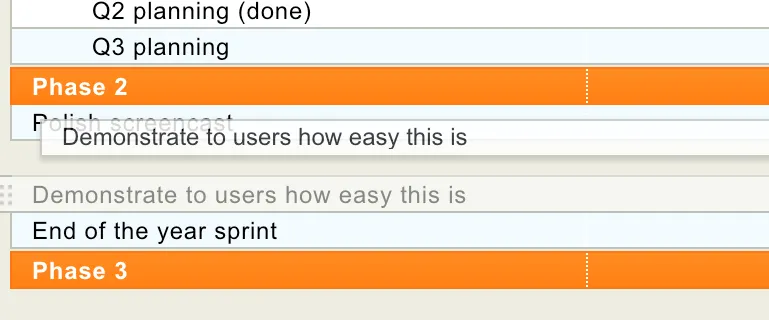
The (horizontal) rows in Ganttify list the activities in a project. The rows are organized in groups, which depends on the integration you’re using with Ganttify. For instance, the Gantt chart of a Trello board shows Trello Lists and Cards, while the Gantt chart of a Basecamp project can show Schedule Events and To-do Lists. Inside these groups, indented information is shown as subgroups. You can hide or remove groups and rows by right-clicking the row in the left area of your schedule.
Hide rows from the Gantt chart:
Hide rows from the Gantt chart
View on Vimeo Show previously hidden rows:
Show previously hidden rows
View on Vimeo To sort rows or groups, drag and drop them up or down with your mouse.