Ganttify is an online web application. You don’t need to download or install anything. This means it will simply work in your browser. Open a browser like Google Chrome, Safari, or Firefox and go to www.gantt-chart.com.
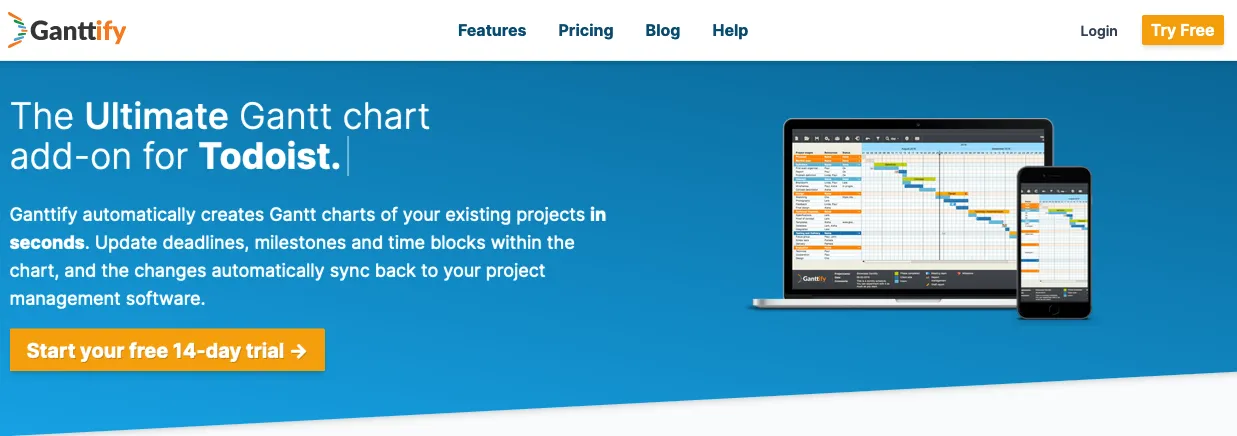
On the homepage, click the Login button, enter your Ganttify account credentials, and you will be forwarded to the Project List, from which you can start to select the projects from which you’re going to create a Gantt chart automatically.
Ganttify will work in almost any major modern browser with JavaScript enabled on any modern Mac, PC (Windows or Linux), tablet, or mobile device.
During development, Ganttify is constantly tested using the latest versions of Google Chrome, Safari, and Mozilla Firefox (see What browsers does Ganttify support?).