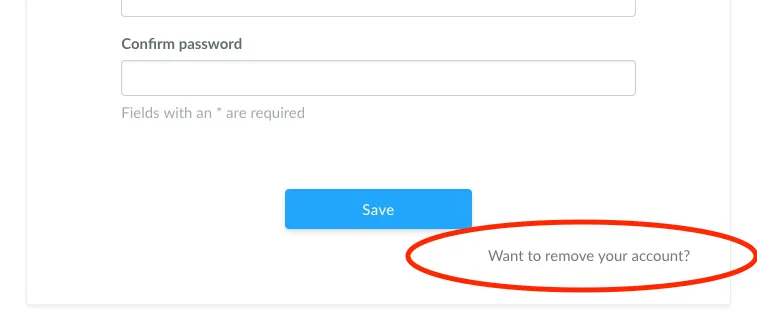
If you no longer use your Ganttify account, you can choose to remove your account entirely. To do so, go to your profile page (https://gantt-chart.com/account/profile) and click the “Want to remove your account?” link at the bottom of the page.
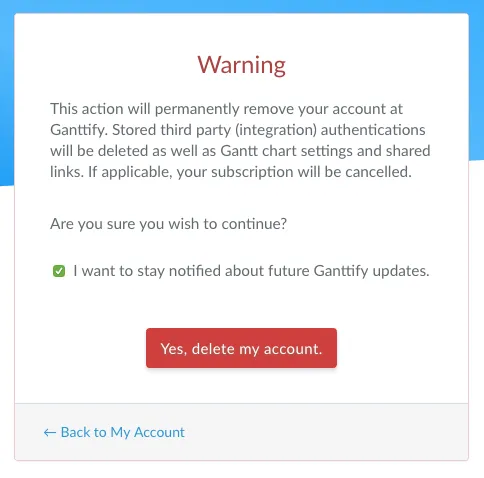
Follow the on-screen instructions and choose to stay subscribed to our newsletter or not before clicking the red “Yes, delete my account” button.
That’s it. Your account is now removed, and you will no longer be able to log in to Ganttify.