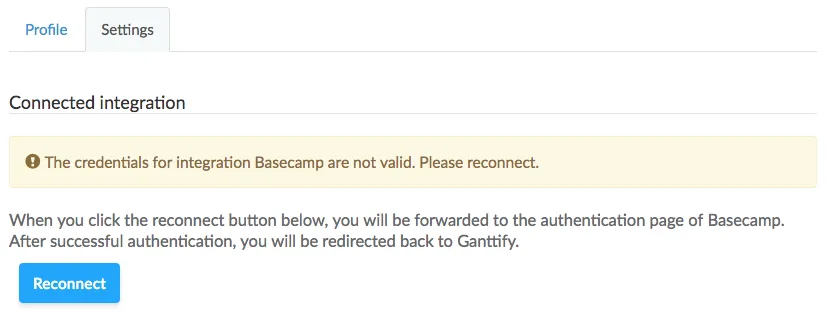
When creating a Gantt chart of my Basecamp project or trying to load the project list, Ganttify keeps returning errors and it says that the projects cannot be loaded. This is a strong indicator that the authentication between Ganttify and your Basecamp account has expired.
Solution
Most of the times, this is caused due to the fact that your Basecamp password has changed. Whenever you change your password at Basecamp, you will need to authenticate the connection between Basecamp and Ganttify again. You can easily do this yourself by going to the account settings page, click the Disconnect integration button
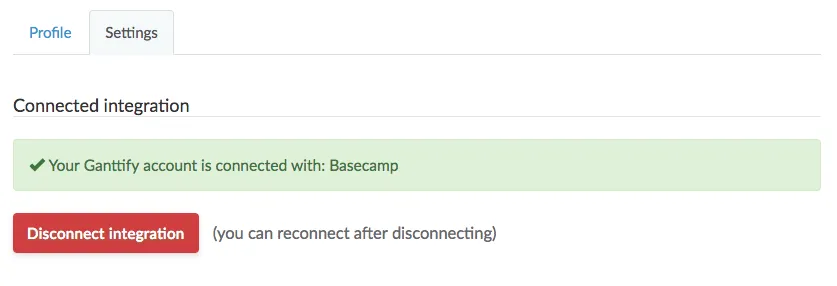
When you have disconnected your Ganttify account from Basecamp, you can go ahead and reconnect it by clicking the Reconnect button.